





 HOME










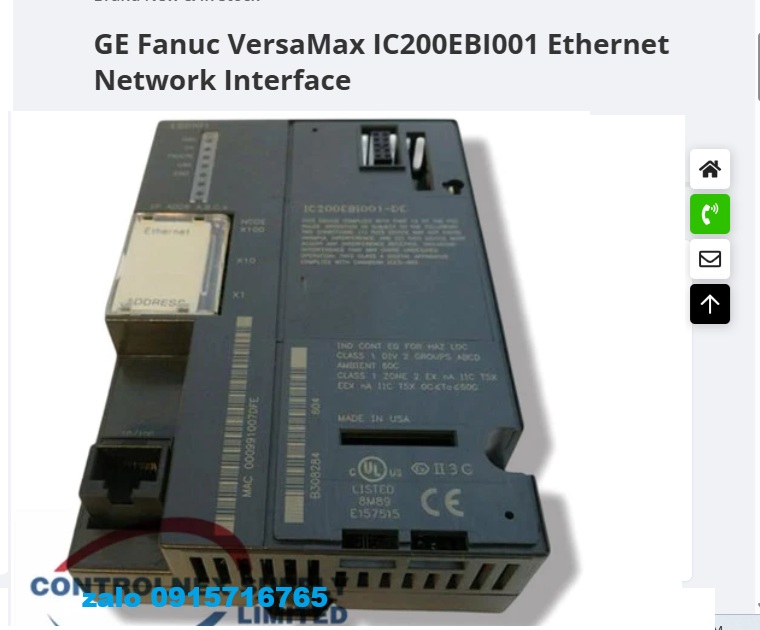
GE Fanuc VersaMax IC200EBI001 Ethernet Network Interface
Giá (chưa VAT):
GE Fanuc VersaMax IC200EBI001 Ethernet Network Interface
Product Overview
The GE Fanuc IC200EBI001 is an Ethernet Network Interface Unit (ENIU) for the VersaMax I/O system. It connects a VersaMax I/O station to an Ethernet network and enables the host controller to communicate with distributed I/O modules. It supports Ethernet-based industrial communication and remote I/O configurations.
Technical Specs
- Manufacturer: GE Fanuc
- Model: IC200EBI001
- Product type: Ethernet Network Interface Unit
- Product family: VersaMax
- Ethernet speed: 10Base-T / 100Base-TX
- Ethernet connector: RJ-45
- Supported protocols: Modbus TCP and Ethernet Global Data (EGD)
- Power consumption: +5 VDC at 175 mA; +3.3 VDC at 425 mA
- Firmware Release 1.0: Up to 8 I/O modules, no expansion racks
- Firmware Release 1.1 and later: Up to 64 I/O modules and 7 expansion racks
- Maximum Ethernet point-to-point distance: 100 m
Key Features
- Provides Ethernet connectivity for VersaMax remote I/O stations
- Supports 10/100 Mbps Ethernet auto-negotiation
- Enables Modbus TCP and Ethernet Global Data communication
- Supports distributed I/O expansion with compatible firmware
- Uses an RJ-45 Ethernet connection for network integration
- Supports hot insertion of I/O modules with firmware Release 1.1 and later
FAQ
Q: What is the function of the IC200EBI001?
A: It serves as an Ethernet Network Interface Unit for VersaMax remote I/O stations.
Q: Which Ethernet protocols does it support?
A: It supports Modbus TCP and Ethernet Global Data (EGD).
Q: How many I/O modules can it support?
A: Firmware Release 1.0 supports 8 I/O modules. Release 1.1 and later support up to 64 I/O modules and 7 expansion racks.
Installation Guide
- Verify the VersaMax system configuration and firmware compatibility.
- Mount the ENIU on a compatible 35 mm DIN rail or approved panel arrangement.
- Install and secure the compatible power supply on the interface unit.
- Connect the Ethernet cable to the RJ-45 port.
- Set the network address and configure the I/O station using compatible configuration software.
- Check network communication and I/O status before commissioning.
Selection Tips
Confirm the VersaMax I/O configuration, firmware release, required Ethernet protocol, and expansion rack requirements before ordering. Check the installed power supply and network configuration to ensure compatibility with the existing control system.






SẢN PHẨM BÁN CHẠY
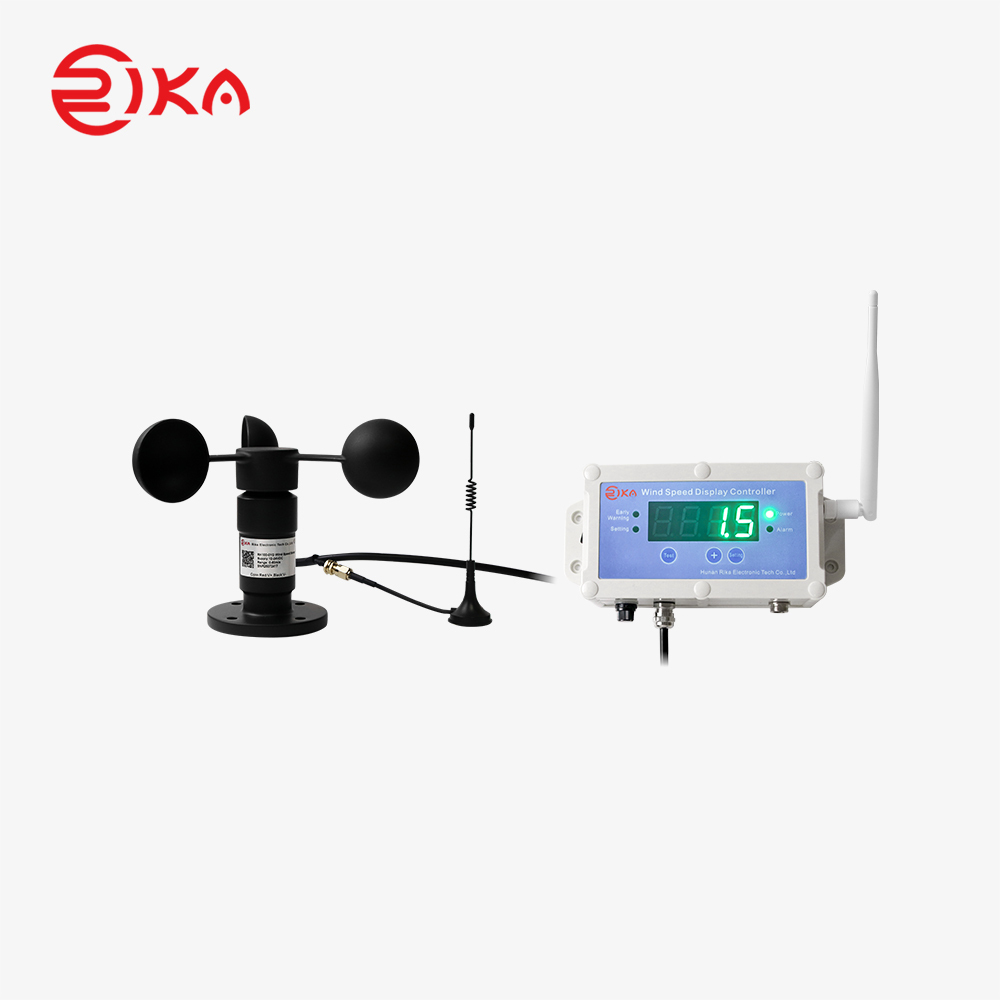
RK150-01 Crane Wind Speed Sensor and Indicator Wireless version)
Liên hệ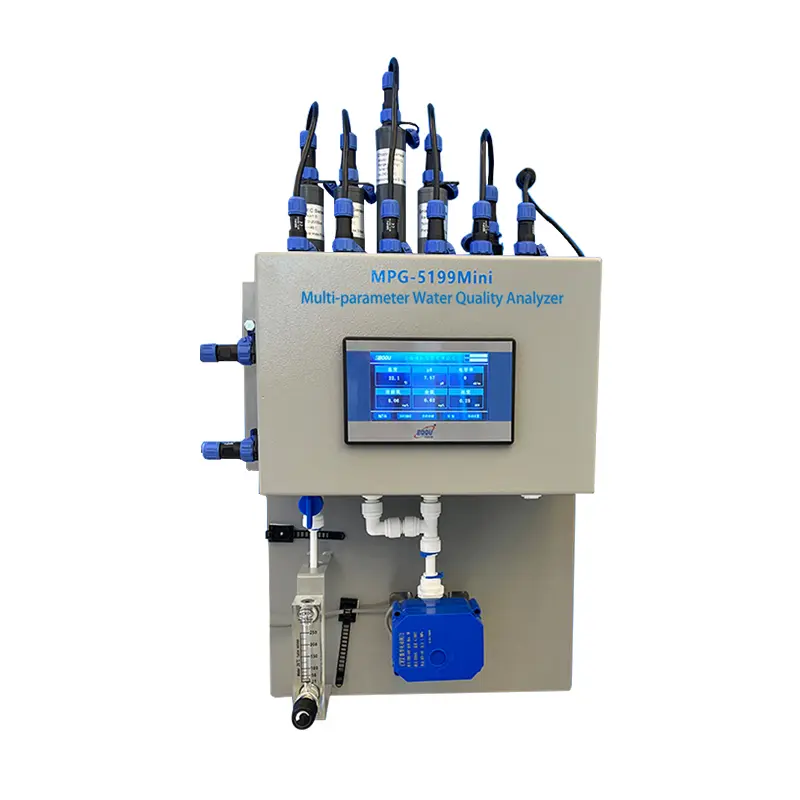
Multi-parameter Analyzer
Liên hệ
Máy phân tích oxy/ carbon monoxide (COe) ABB Endura AZ40
Liên hệ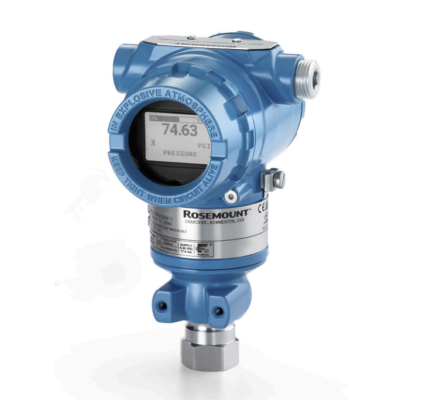
Cảm biến áp suất Rosemount 3051
Liên hệ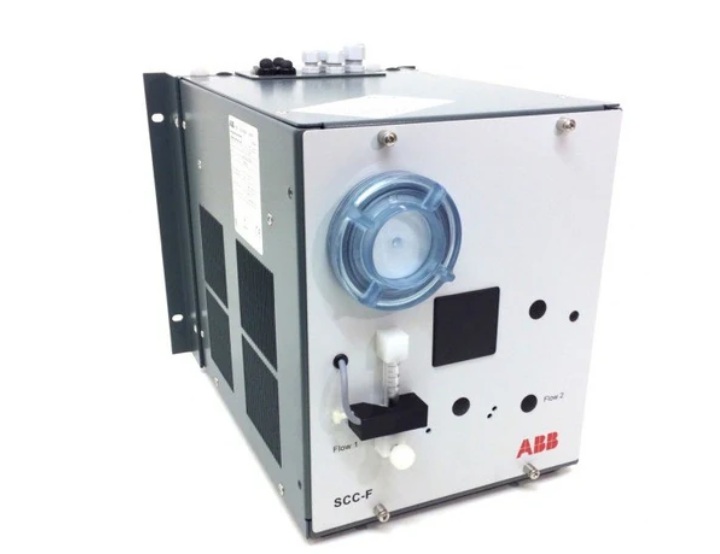
ABB SCC-F 31004G9B Gas Feed Unit
Liên hệ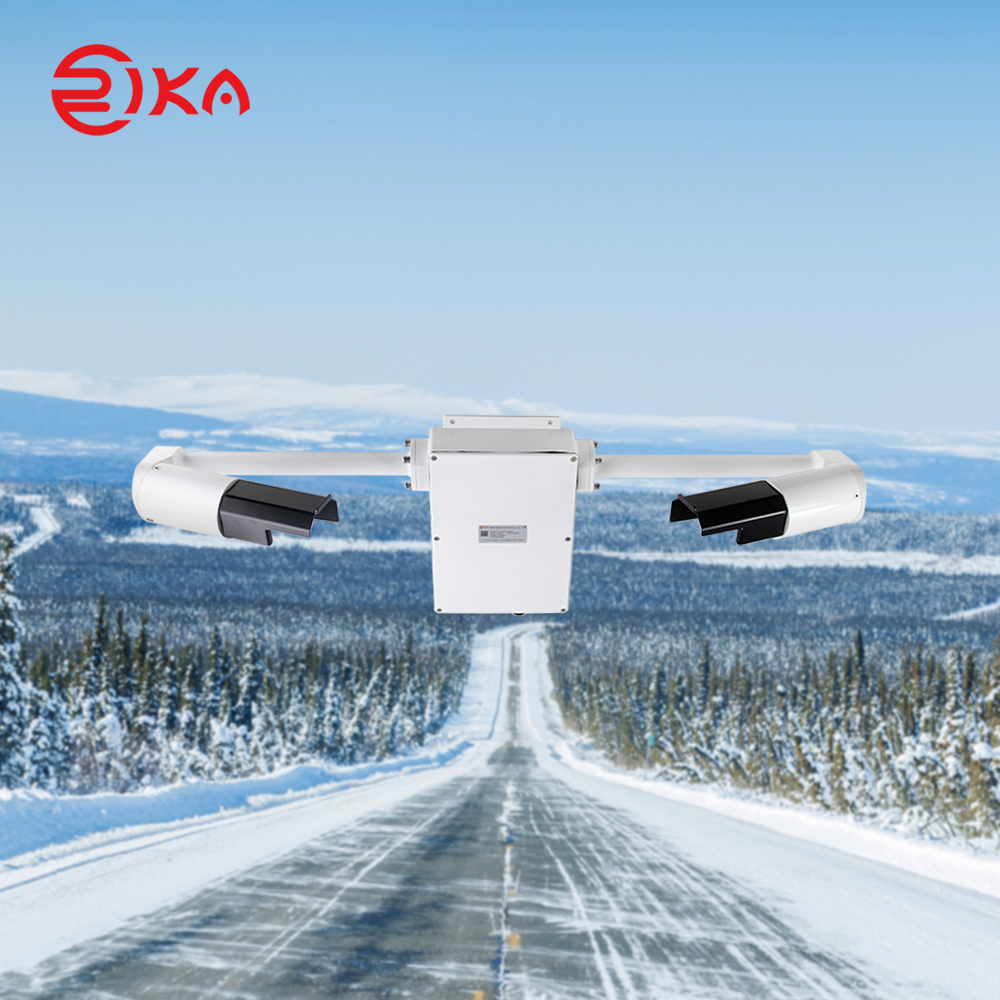
RK300-10 Visibility sensor Type A
Liên hệ
ABB SCC-C 23070-103112200000 Sample Gas Cooler
Liên hệ


Bình luận